

What to expect when you click apply
The enrolment form is hosted by the Linux Foundation. The first thing you'll see is a login page — don't worry, you're in the right place.
Sign in or create an account
When you click the enrolment link, you'll be taken to the Linux Foundation login page. You can sign in with an existing Linux Foundation ID, or create an account using Google, GitHub, or LinkedIn.
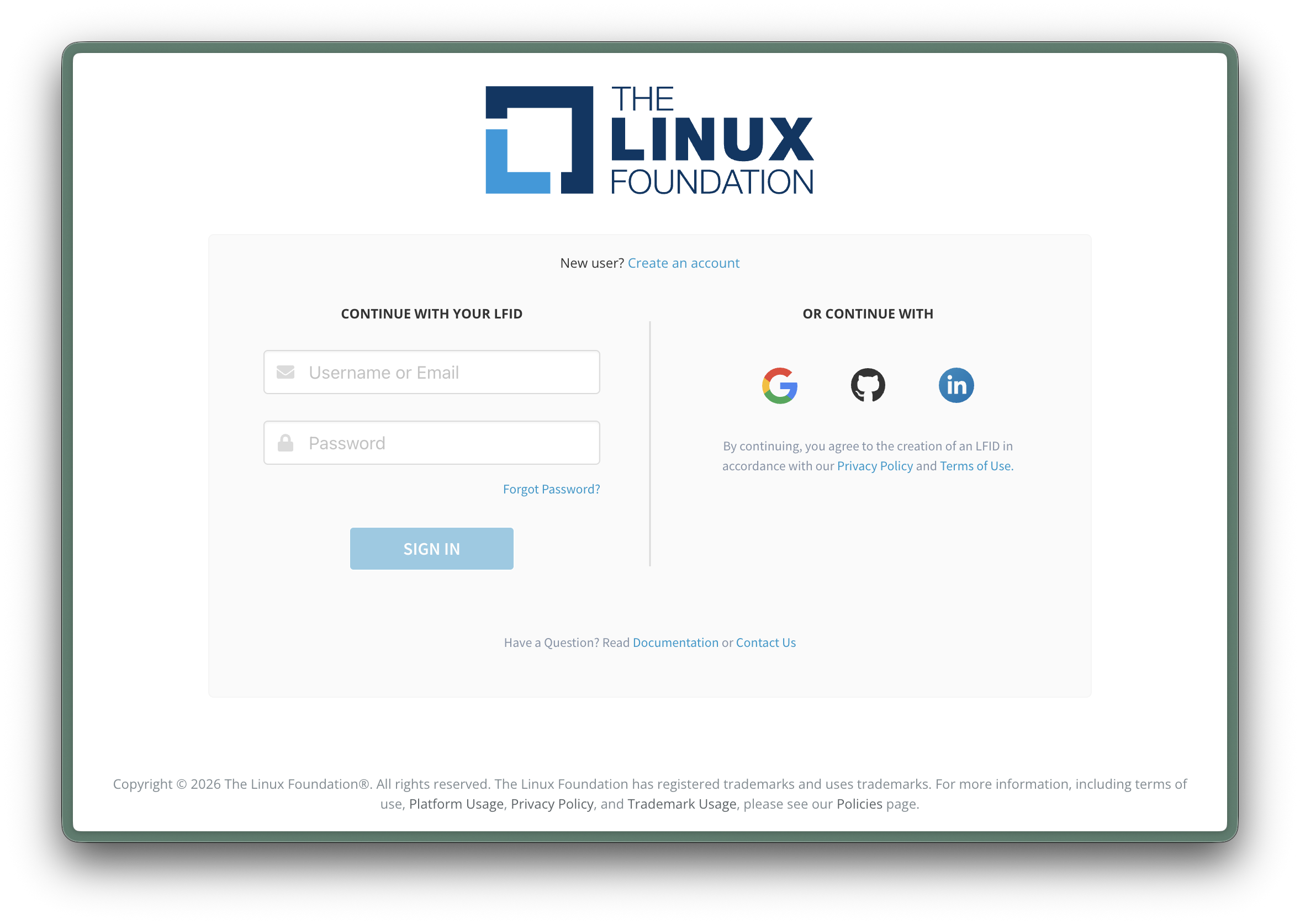
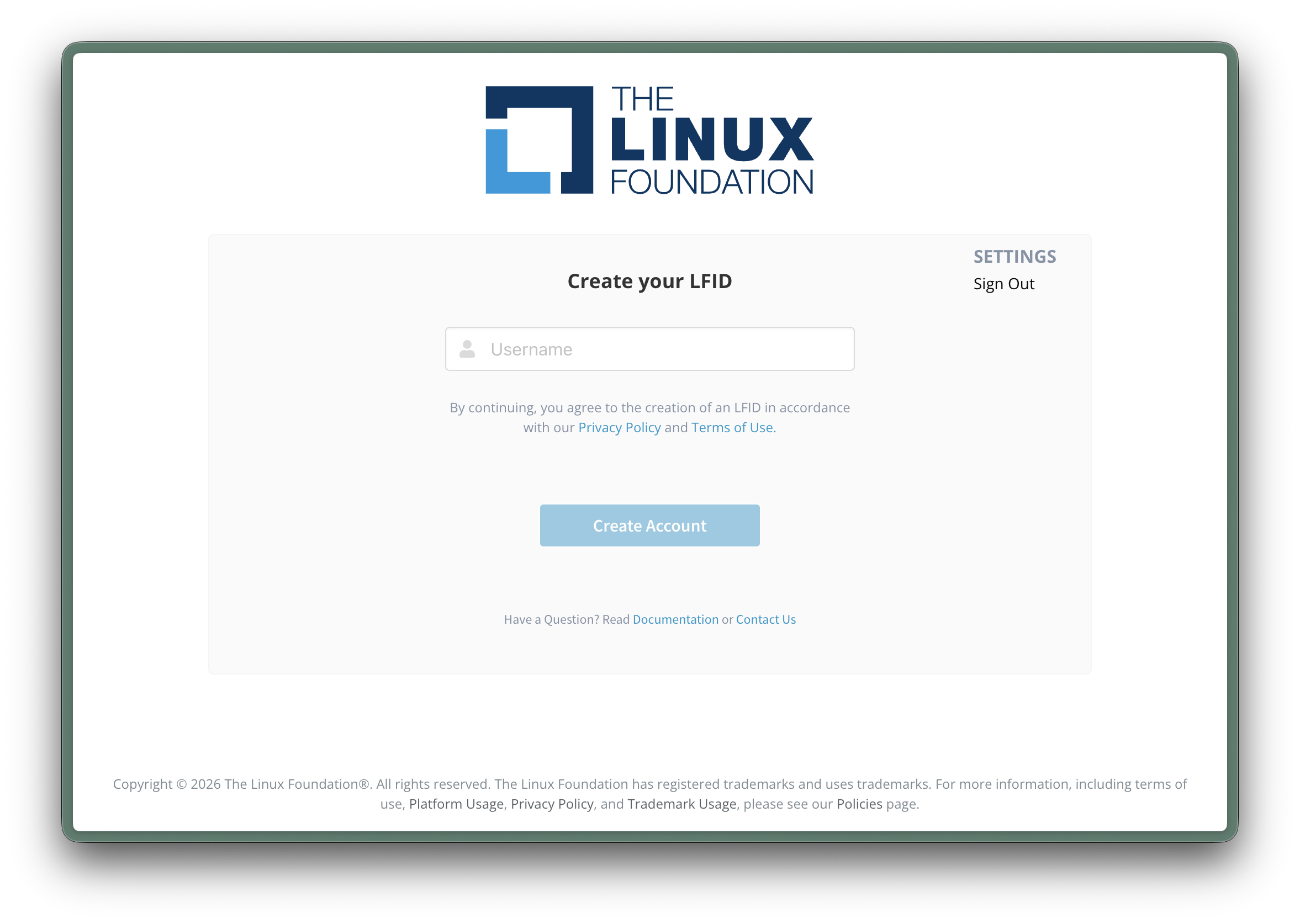
Create an LFID if you don't have one
If you create an account, you'll be asked to choose an LFID — a Linux Foundation username.
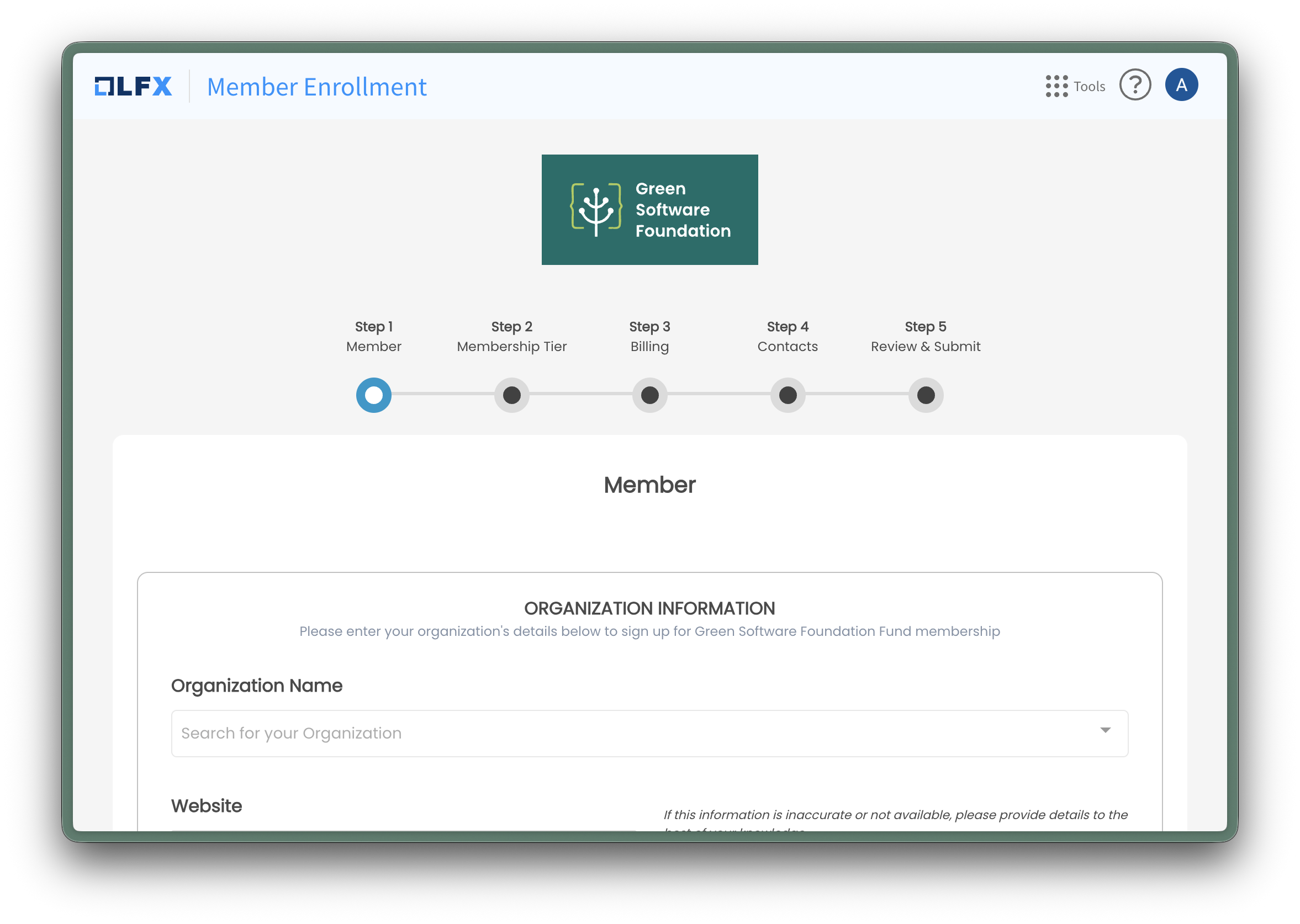
Complete the membership enrolment form
Once signed in, you'll be taken to the GSF Member Enrollment form. This is a five-step process where you'll enter your organisation's details, choose your membership tier, provide billing and contact information, and review your application.
What happens next
After you submit the enrolment form, the membership agreement and related documents will be sent to you via DocuSign. Multiple parties are involved in the signing process, so please allow some time for all signatures to be collected.
About the membership agreement
Our membership agreement is non-negotiable. This is intentional and important: every one of our 90+ member organisations has signed exactly the same agreement. This ensures a fair, egalitarian environment where no member has more rights than any other.
The same terms, the same obligations, the same protections — for everyone. This is how we maintain trust and equal standing across the foundation.
We understand that your legal team may have questions. Our legal team is more than happy to speak with yours to walk through the agreement and answer any questions. However, the agreement cannot be redlined or adjusted on a per-member basis.